AI 3D Figure Trend: A Complete Guide to Creating Your Own Action Figure with AI (2025)
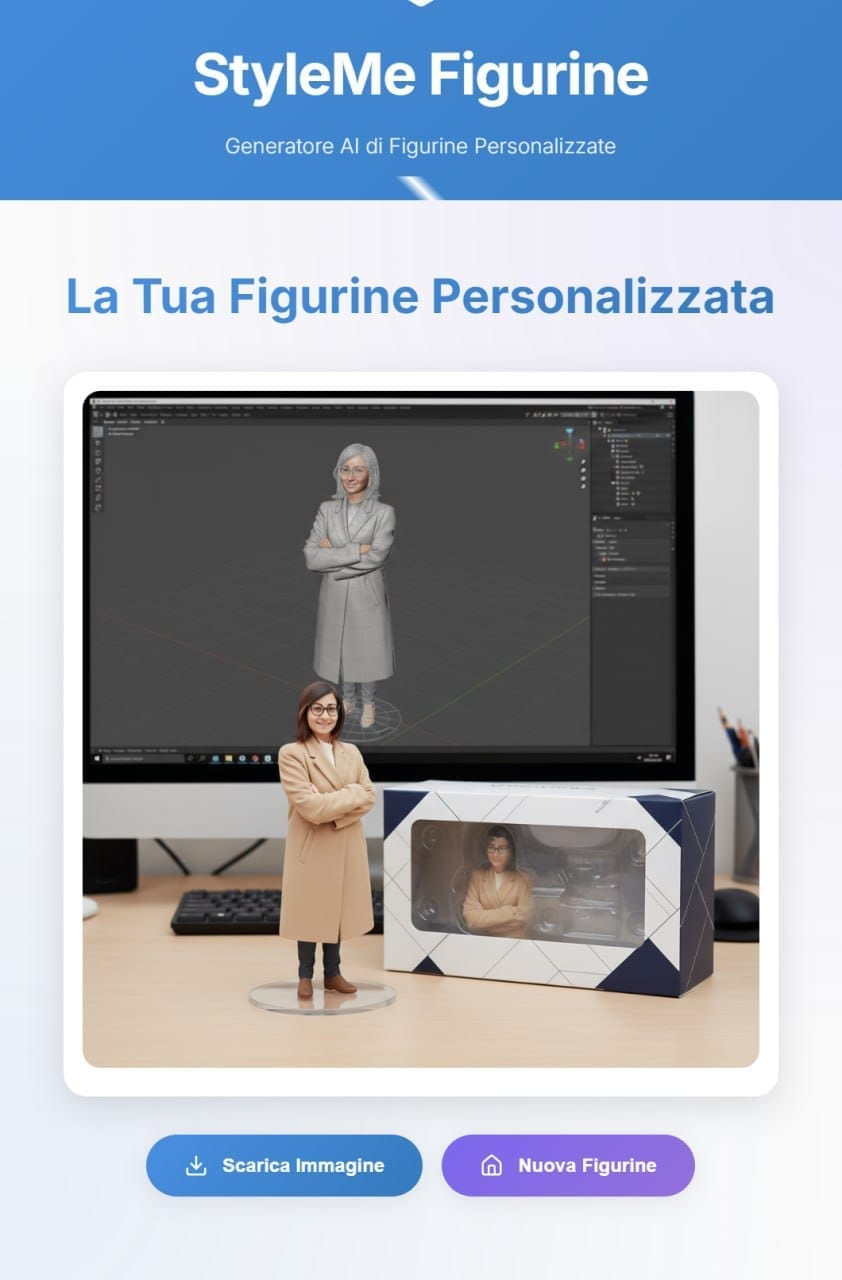
The “AI 3D Figure” trend transforms a simple photo into an image that resembles a collectible mini action figure: a clear acrylic base, a windowed packaging box, and a “3D modeling” screen in the background. The result mimics a produced studio shot, with realistic plastic materials and believable reflections.
What is AI 3D Figure Trend?
It’s a visual format that simulates a catalog photo of a scale figurine (e.g., 1/7): the subject becomes a plastic figurine, placed on an acrylic base, accompanied by transparent packaging.
The set is almost always the same: a desk, a screen with “3D sculpting software” (stylized), packaging with a window and blister pack, studio lights, and a shallow depth of field.
Why did it explode now?
Improved image generator quality: improved rendering of materials, reflections, and increasingly accurate facial/subject fidelity.
Simplicity: all it takes is a photo and a “standard” prompt to obtain convincing results.
Ready-made templates in apps: some editors offer “Figure” presets that reduce the prompt engineering part.
How does it work?
You upload a photo, write what you want to see (e.g., “acrylic-based figurine, packaging on the side, 3D modeled screen in the background, studio lighting”), and the AI recreates a new image, maintaining your appearance but transforming the materials and scene.
Specifically, there’s an image-to-image generation model where it uses your photo as a guide and influences the diffusion/resynthesis towards a new visual domain (PVC/plastic, studio set). The prompt text guides poses, props (base, box), lighting, and style.
How to create the image?
Prepare your photo: a well-lit full-length or half-length portrait; a clear face, no sunglasses or hands in front of your face.
Upload the photo to an image generator that supports image-to-image.
Type a prompt like this and it will generate:
Create a 1/7th scale commercial figurine of the subject in the photo, in a realistic style, in a real-world setting. Place it on a clear, round acrylic base, without any text on the base. Place it on a desk with a monitor displaying a generic 3D modeling screen of this figurine. Add a glossy packaging box with a clear window and an internal blister pack. Product photography lighting, realistic plastic materials, believable reflections, and a shallow depth of field are all used.
Evaluate the result and refine it: if the face isn’t convincing, specify in the prompt “faithfully preserve the face/hair/clothing” or use a better photo.
Export the created image.
3D figurine generator
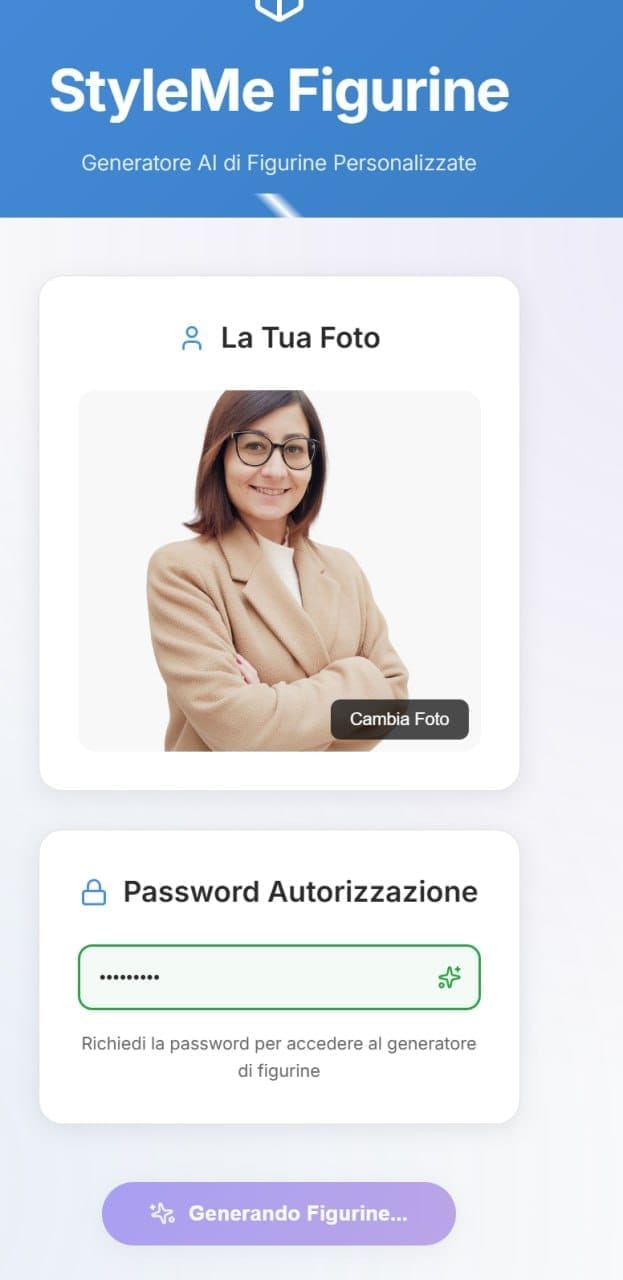
Since some “image-to-image” models are not available in some countries, the Hoken Tech team has created a convenient tool where you can insert the image to be transformed into a 3D figurine, so that anyone (after requesting access via email to: hokentechitalia@gmail.com) can create their own image to share on social media.
No: Trend produces a photorealistic 2D image; it is not a printable STL/OBJ.
Many tools offer free trials or plans with limitations; higher resolutions or extra features may require subscriptions.
It depends on the terms of the tool you choose. Check licenses and rights before selling or promoting.