Convert EOS to Vaulta (A): Updated Guide with Anchor Wallet and Unicove


Converting old EOS tokens into the new Vaulta (A) token means replacing the original ecosystem token with the new native asset of the Vaulta network. In the most common case, users simply hold EOS in their account, connect Anchor Wallet to Unicove, and complete the swap to A. Reference date: May 1, 2026.
Overview of the options
Before starting, it helps to understand which route makes sense. For most users who already hold native EOS on the EOS/Vaulta chain, the recommended path is the official on-chain conversion via Unicove.
Official portal / on-chain swap
Most direct, 1:1 conversion, fewer steps, best fit for native EOS holders
Only applies to supported native flow
Best option if you hold EOS on the EOS/Vaulta chain
DEX
Flexible, may offer different liquidity sources
Slippage, wrong-token risk, variable pool depth
If you need an additional swap or intermediate asset
CEX
Familiar interface, sometimes strong liquidity
Custodial risk, KYC, deposit/withdraw network mistakes
If you already use an exchange and understand network handling
Bridge
Lets you move assets across chains
More operational risk, more steps, extra fees, possible delays
Only if your assets are not on the native chain
Aggregator
Compares routes and may reduce cost/slippage
Routes can change quickly, destination support may vary
Useful for cross-chain routes or price comparison
Which one should you use?
You already hold EOS on the EOS/Vaulta chain:
Use Anchor Wallet + Unicove.
You hold wrapped EOS or funds on another chain:
You may need a bridge or aggregator, but only if the route to Vaulta / A is clearly supported.
You hold funds on a centralized exchange:
First verify whether the exchange supports A, the correct network, and withdrawals to the right destination. If this is not crystal clear, do not guess.
Prerequisites and pre-checks
Before you proceed, make sure all of the following are in place.
Compatible wallet: Anchor Wallet installed and working
Correct account access: your EOS/Vaulta account is already available or imported into Anchor
Wallet backup: seed phrase and/or private keys stored safely offline
Correct account selected: double-check the account name before signing
Correct token: confirm you are holding real EOS on the correct network
Correct network: do not confuse native EOS/Vaulta assets with wrapped versions on other chains
Explorer ready: use Unicove as your advanced explorer for account and transaction checks
Official website only: open the real Unicove portal
Verified contract details: if using non-official routes, verify token contracts and destination information
Operational balance ready: on EOS/Vaulta, the model is not the same as EVM gas; in the official flow there is generally no normal swap fee to configure, but your account must be active and functioning
Secure device: no compromised browser, fake extensions, or risky shared devices
Test transaction mindset: start small before moving the full amount
Security checks to do before signing
Check the website domain
Confirm the wallet is asking you to sign a logical action
Read the transaction summary in Anchor carefully
If the request looks vague or over-permissioned, cancel
If any site asks for your seed phrase, stop immediately
If using a cross-chain route, confirm:
source chain
destination chain
source token
received token
whether a manual claim step is required
Detailed guide — same-chain conversion
This is the main procedure for users who hold native EOS.
Verify token and network
Open Anchor Wallet and confirm you are in the correct account.
Check that the displayed balance is EOS on the correct network.
Open Unicove in the Vaulta environment and view your account.
Confirm:
EOS balance
recent activity
correct account name
Practical note: you should be starting from your actual native EOS balance, not from a wrapped or synthetic version.
Check gas or network costs
On EOS/Vaulta, the idea of gas does not work the same way as it does on EVM chains. In the official EOS → A flow through Unicove, users do not typically configure a separate gas fee like on Ethereum.
In practical terms:
you do not need ETH, BNB, MATIC, or similar gas tokens
there is generally no separate trading fee for the official 1:1 conversion flow
your account still needs to be active and able to sign transactions
If you are doing a cross-chain route instead, then you do need the source chain’s gas token, and sometimes a small balance on the destination chain too.
Choose the DEX or aggregator
For the standard conversion, you do not need an external DEX. The practical choice is the official flow in Unicove.
Only look at a DEX or aggregator if:
you are not converting native EOS
you are starting from another chain
you are working with wrapped assets
you need a bridge plus final swap route
Simple rule: if you hold native EOS already, keep the flow simple.
Connect your wallet
Go to Unicove
Click Connect Wallet
Select Anchor
Launch the connection flow
Approve the connection in Anchor
Return to Unicove and confirm your account is recognized
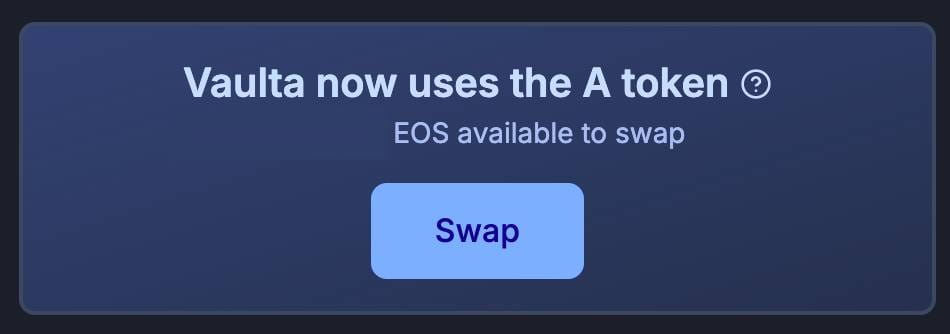
Once connected, you should be able to access the swap to A flow. Important check: the account name shown by Unicove must match your actual account exactly.
Approve token (technical explanation and risk)
An approve transaction is a permission that lets a smart contract spend a certain amount of your tokens. This is common on EVM chains, but it is not usually the main step in the official EOS → A conversion flow on Unicove.
What happens in the EOS → A official flow
In the official path, you are usually signing a direct on-chain action or transfer related to the swap, rather than giving a classic unlimited ERC-20 approval.
When approve may actually appear
You may see an approve step if:
you use a bridge
you use a DEX or aggregator on an EVM chain
you start from a wrapped version of EOS or another token
Main approve risk
If you approve too much, the contract may keep a spending permission larger than necessary.
Best practice
approve only the exact amount needed, if possible
avoid unlimited approvals unless absolutely necessary
after the operation, review and revoke unnecessary approvals
Set up the swap
In the official flow:
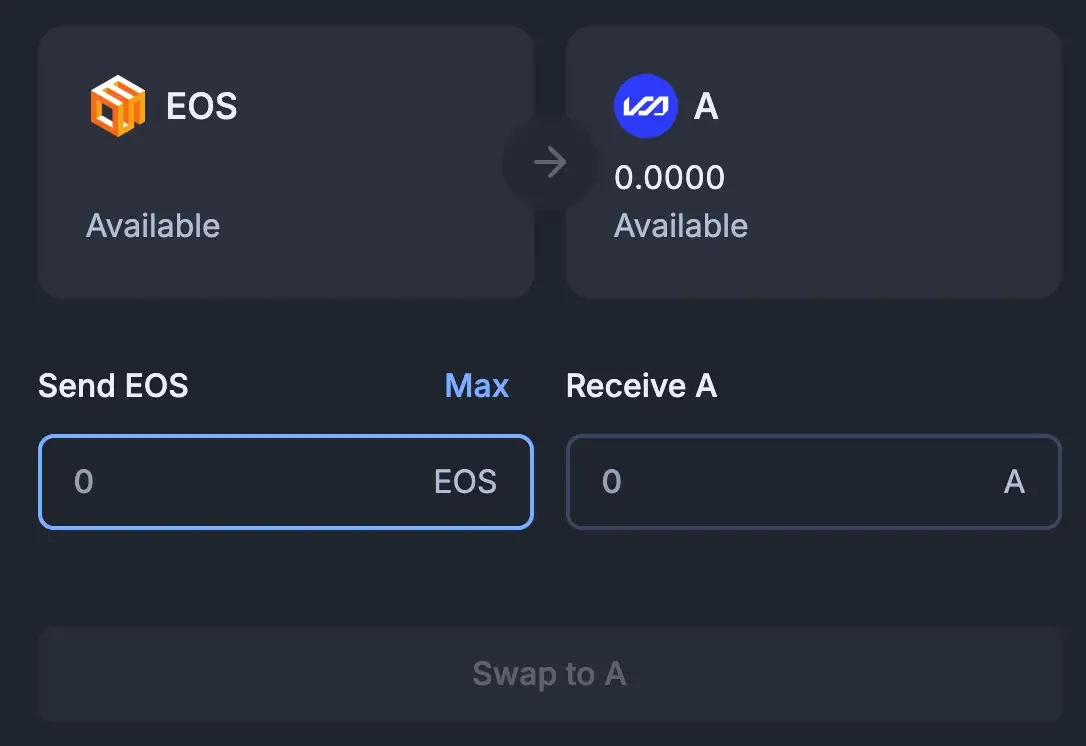
Open the Swap to A page
Enter the amount of EOS to convert
If available, use Fill Max only after you are sure everything is correct
Review the summary
Click Swap to A
How much should you convert?
For safety:
start with a small test amount
confirm everything worked
then convert the remaining balance
for a large balance, consider splitting into 2–3 tranches
Recommended slippage
In the official 1:1 EOS → A conversion flow, slippage in the usual DEX sense is often not exposed or not relevant in the same way.
If you are using a DEX or aggregator instead:
High liquidity: 0.1% — 0.5%
Medium liquidity: 0.5% — 1.0%
Low liquidity: 1.0% — 2.0%
Above 2%: stop and reassess the route
Simple explanation: higher slippage means you accept receiving less than expected if the price moves or liquidity is thin.
Execute and verify the transaction
Click Swap to A
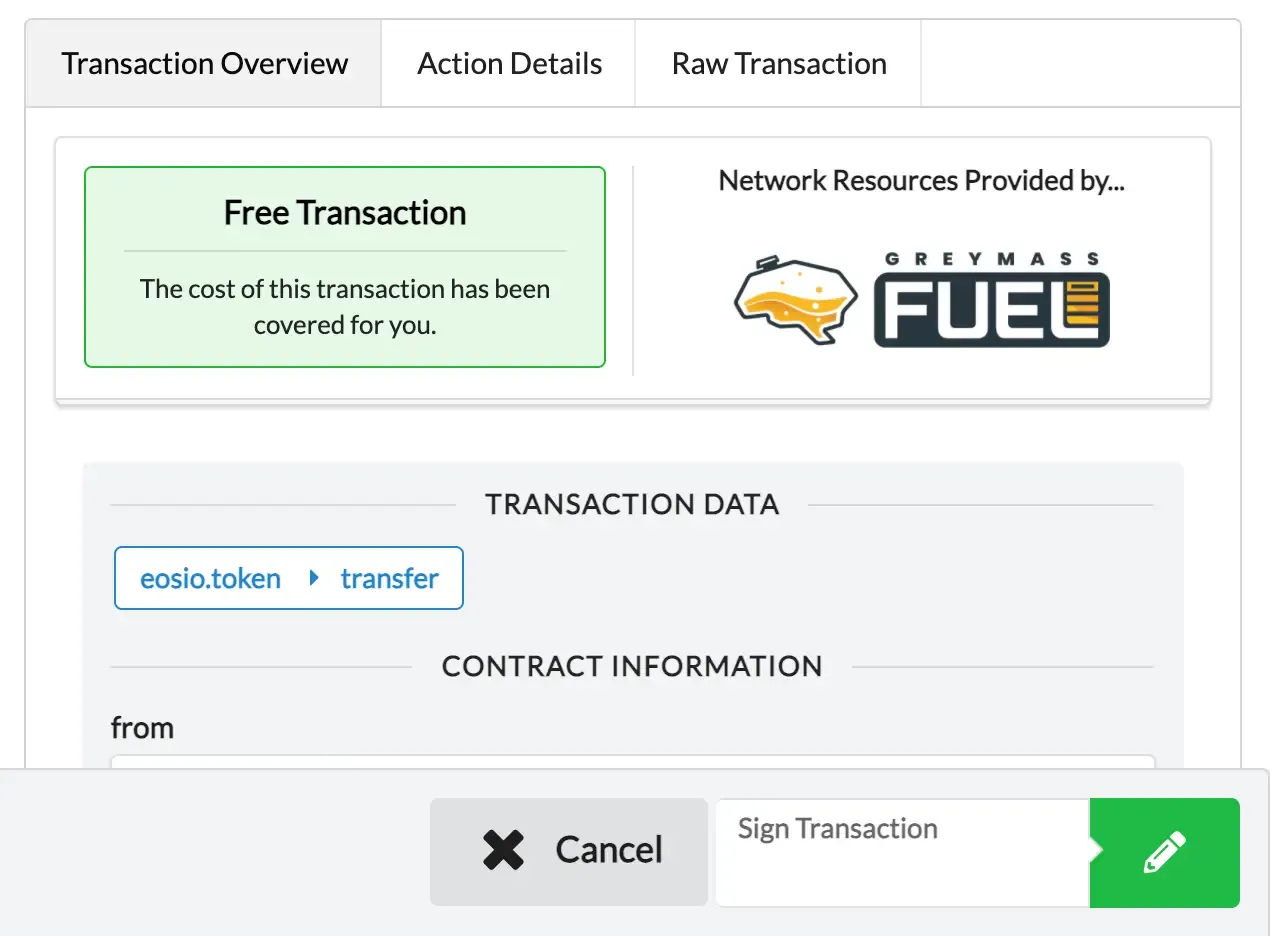
Read the transaction summary in Anchor
Sign only if:
account is correct
amount is correct
action is consistent with the swap
Wait for confirmation
Open Unicove and verify:
transaction succeeded
EOS balance updated
A balance received
Where to verify
Use Unicove as your advanced explorer to check:
transaction ID
status
outgoing asset
incoming asset
timestamp
Example transaction ID format, for reference only: `0f4c2a9e8b7d61a44c0e7a9d3b6f12c90e4a1b7c8d9e0f112233445566778899` Suggested screenshot: Anchor signing window + confirmed transaction in Unicove.
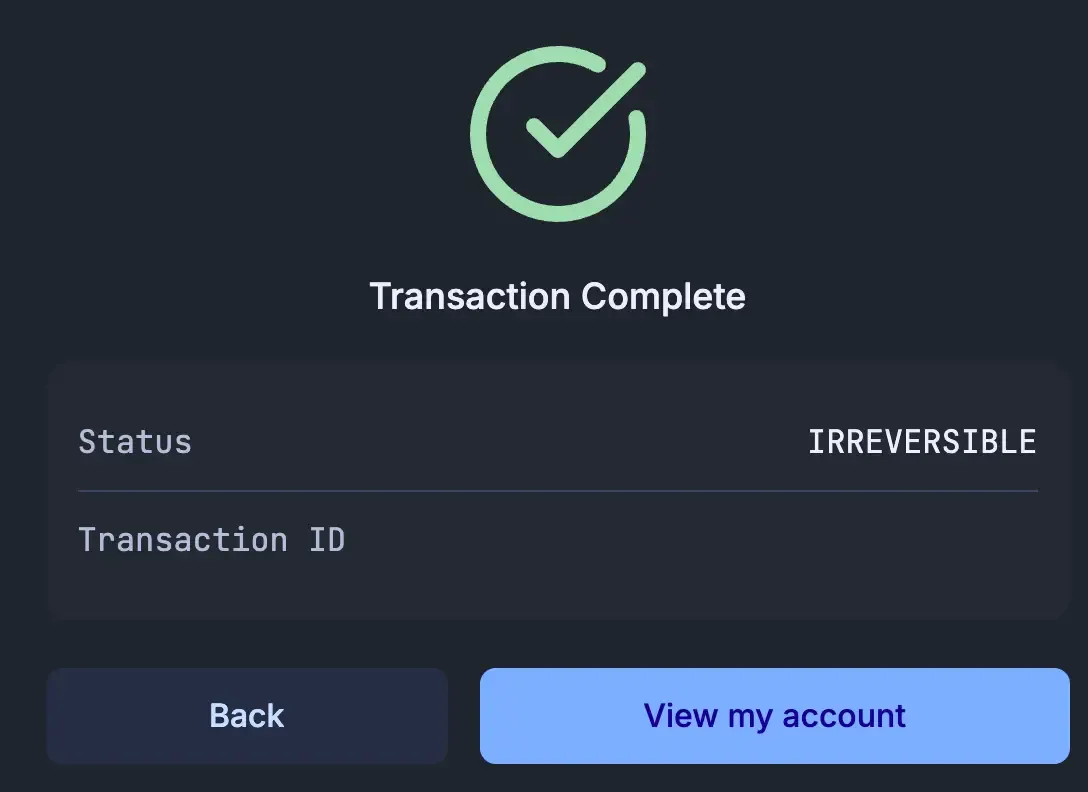
Native EOS in Anchor → A via Unicove
Scenario
You hold 250 EOS in your account on the EOS/Vaulta chain and want the most direct conversion path to A.
Steps
1. Open Anchor Wallet
confirm the correct account is selected
verify the balance: 250 EOS
2. Open Unicove and connect the wallet
click Connect Wallet
choose Anchor
approve the connection
3. Go to the conversion page
open the Swap to A section
confirm your EOS balance is recognized
4. Enter the amount
for a test, enter 10 EOS
after the test succeeds, convert the rest
if available, use Fill Max only when you are ready
5. Review the summary
outgoing asset: EOS
incoming asset: A
expected ratio: 1:1
user-facing swap fee in the official flow: effectively none
6. Sign in Anchor
read the popup
confirm only if amount and account are correct
7. Verify in Unicove
look up the transaction
confirm the A balance updated
then repeat for the remaining 240 EOS
Practical parameters
Recommended slippage: not typically applicable in the official 1:1 portal flow
Recommended strategy: test with 10 EOS, then convert the rest
Platforms used: Anchor Wallet + Unicove
When this is the right case
This is the ideal route for most EOS-native users.
Yes. In the official flow confirmed by current references, the conversion is 1:1.
Not in an absolute sense for every possible scenario, but Anchor is the most practical and supported wallet for this conversion flow.
In the official Unicove flow, users generally do not face a separate visible swap fee. Cross-chain routes are different and may involve multiple fees.
In the official EOS → A flow, usually not in the classic EVM sense. Approvals are more common in bridge and DEX routes on other chains.
Not always. Some wallets may not support managing A directly even if you can still access your EOS. In those cases, Anchor is the practical route.
If I do not see A immediately, are my funds lost?
Only if your assets are not already on the correct chain or if you hold wrapped assets outside the native EOS/Vaulta environment.

nft, hoken tech, blockchain, cryptoart, eos, nft art, artificial intelligence, ai, watch authentication, crypto artist, nfts, web3, nft game, web3 game, videogame, nft distributor, videogame blockchain